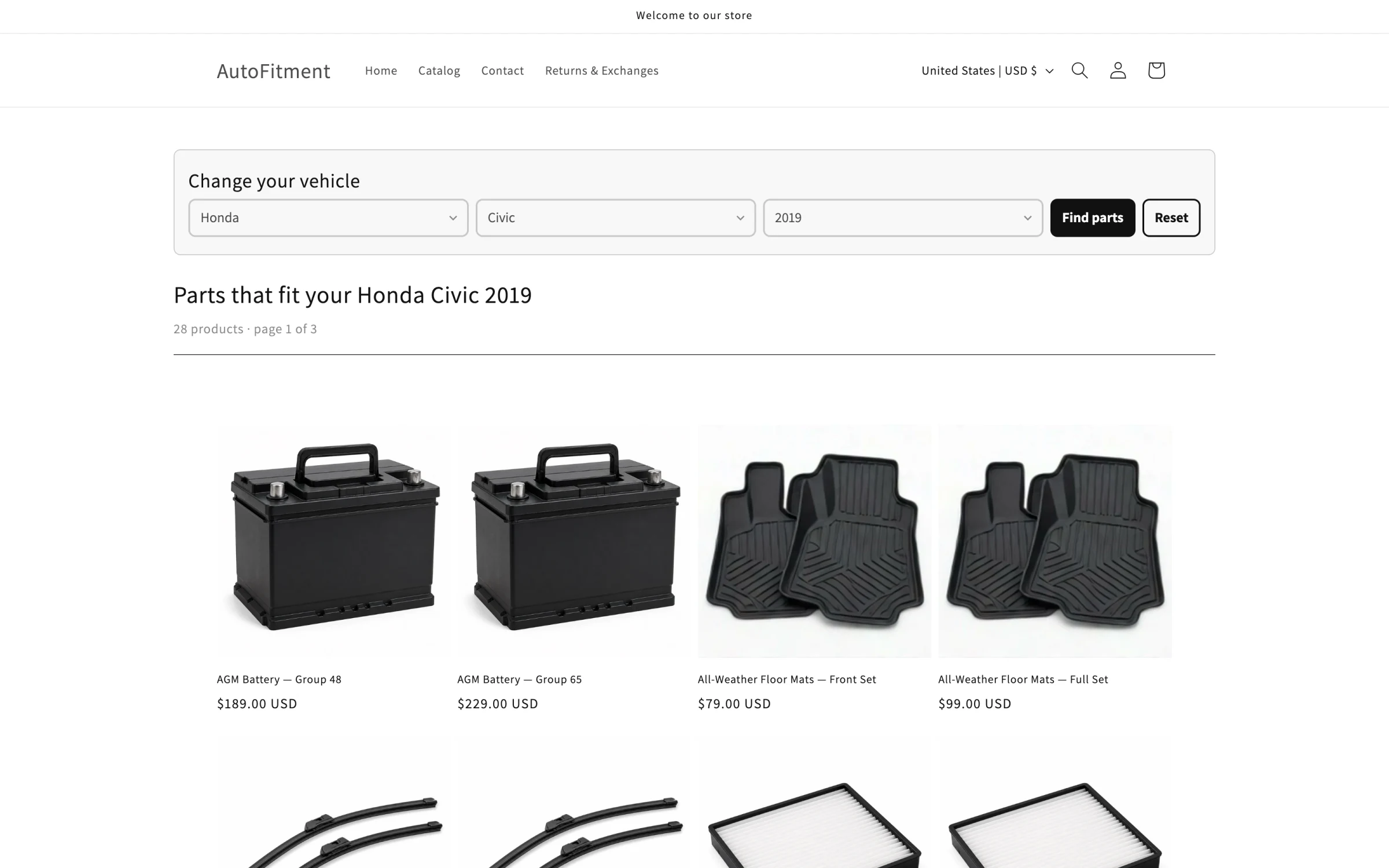
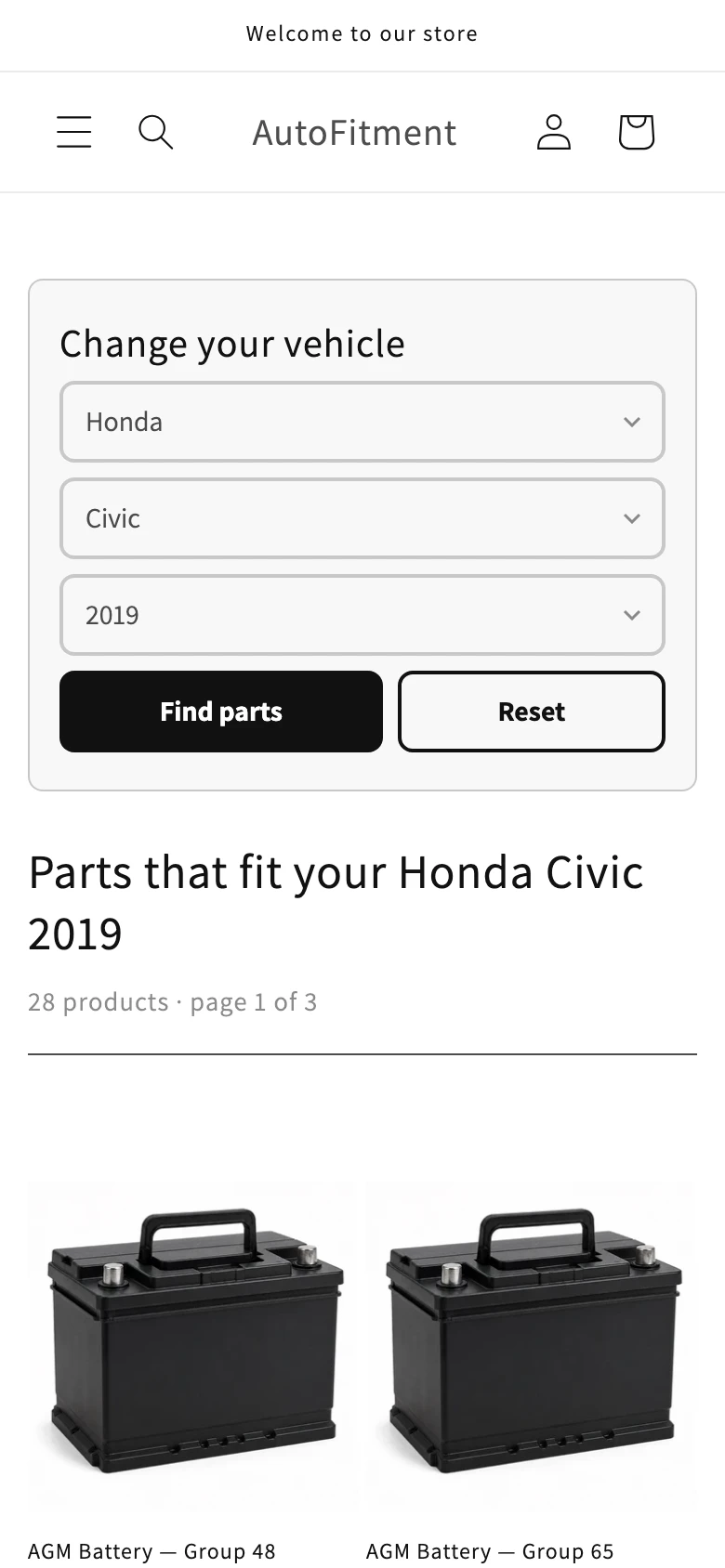
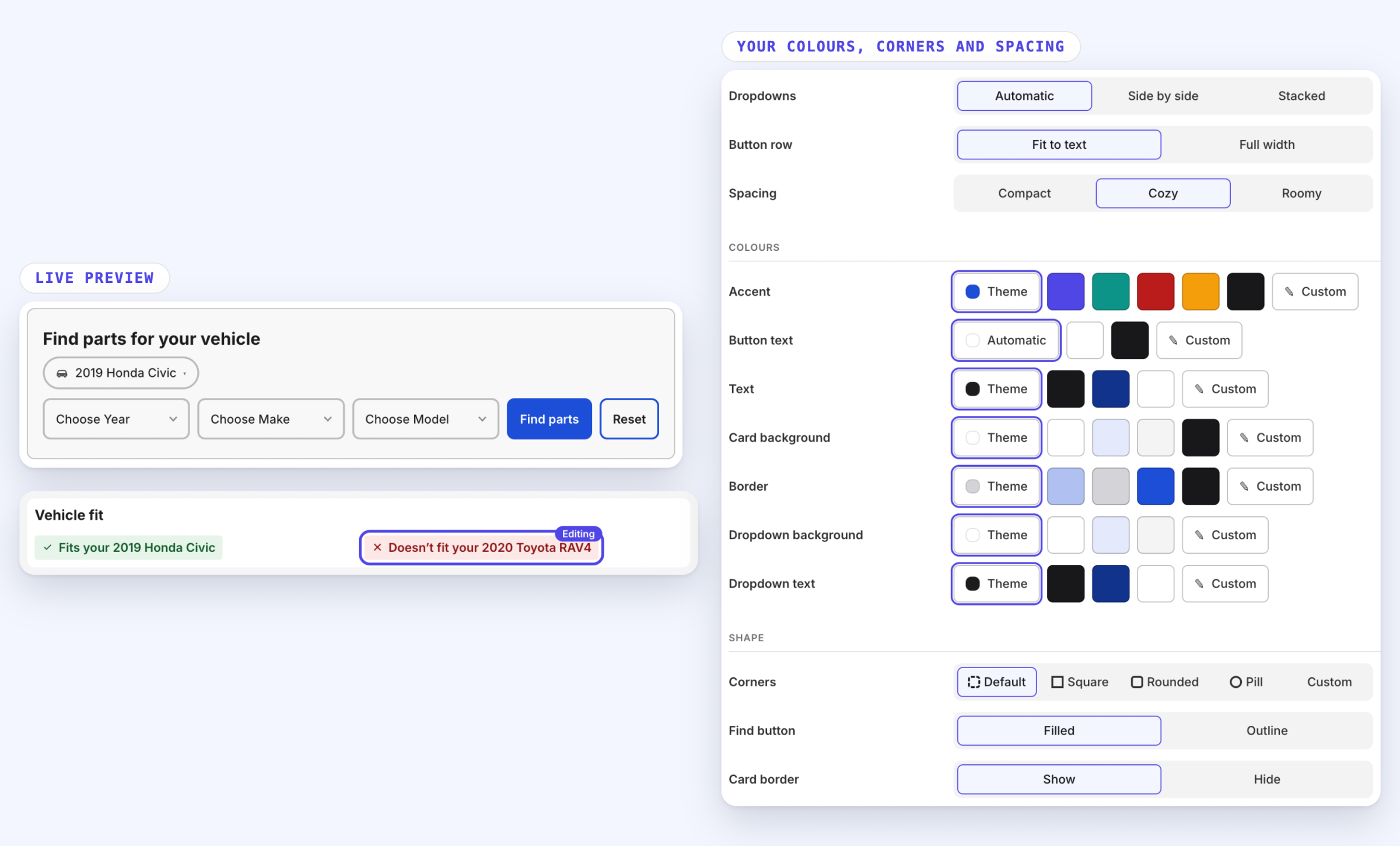
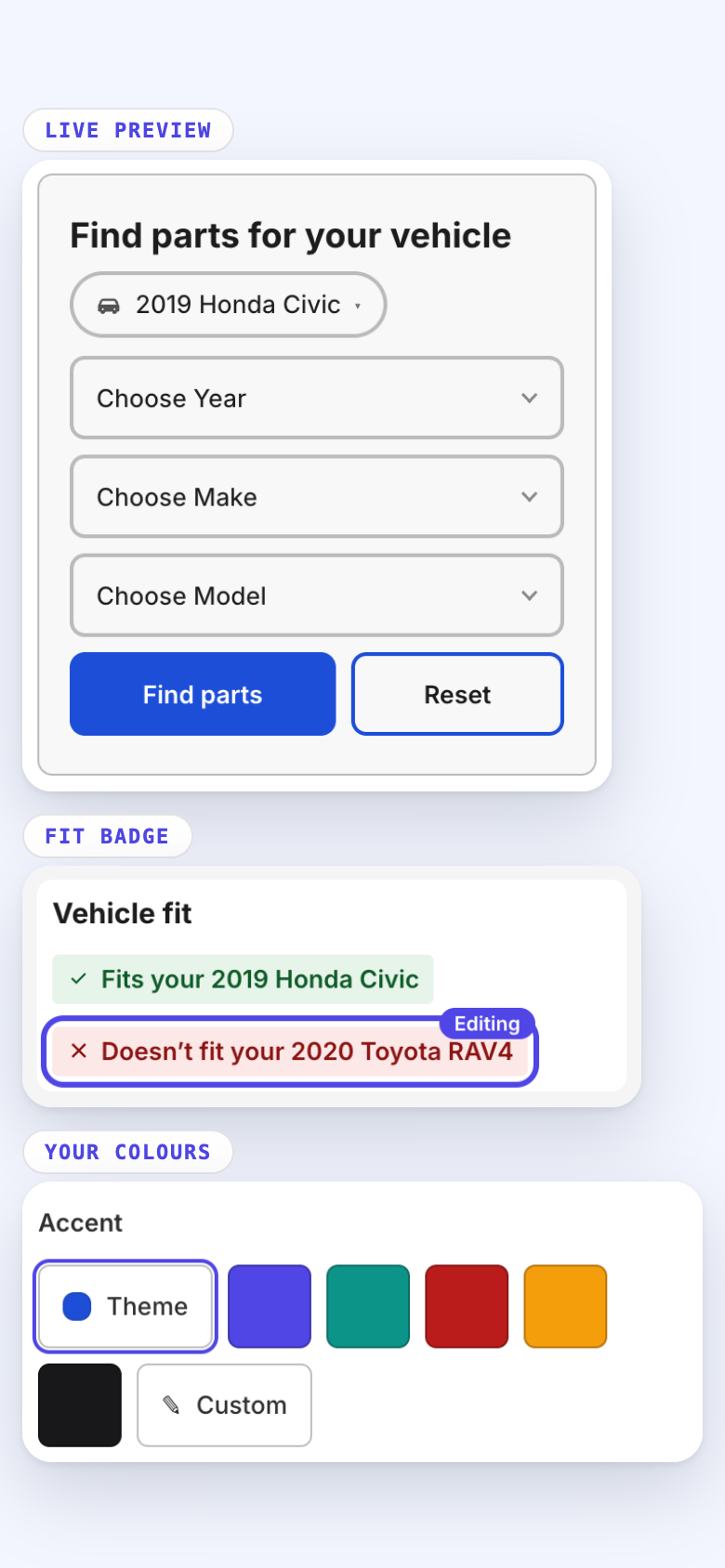
Year Make Model search: shoppers see only the parts that fit.
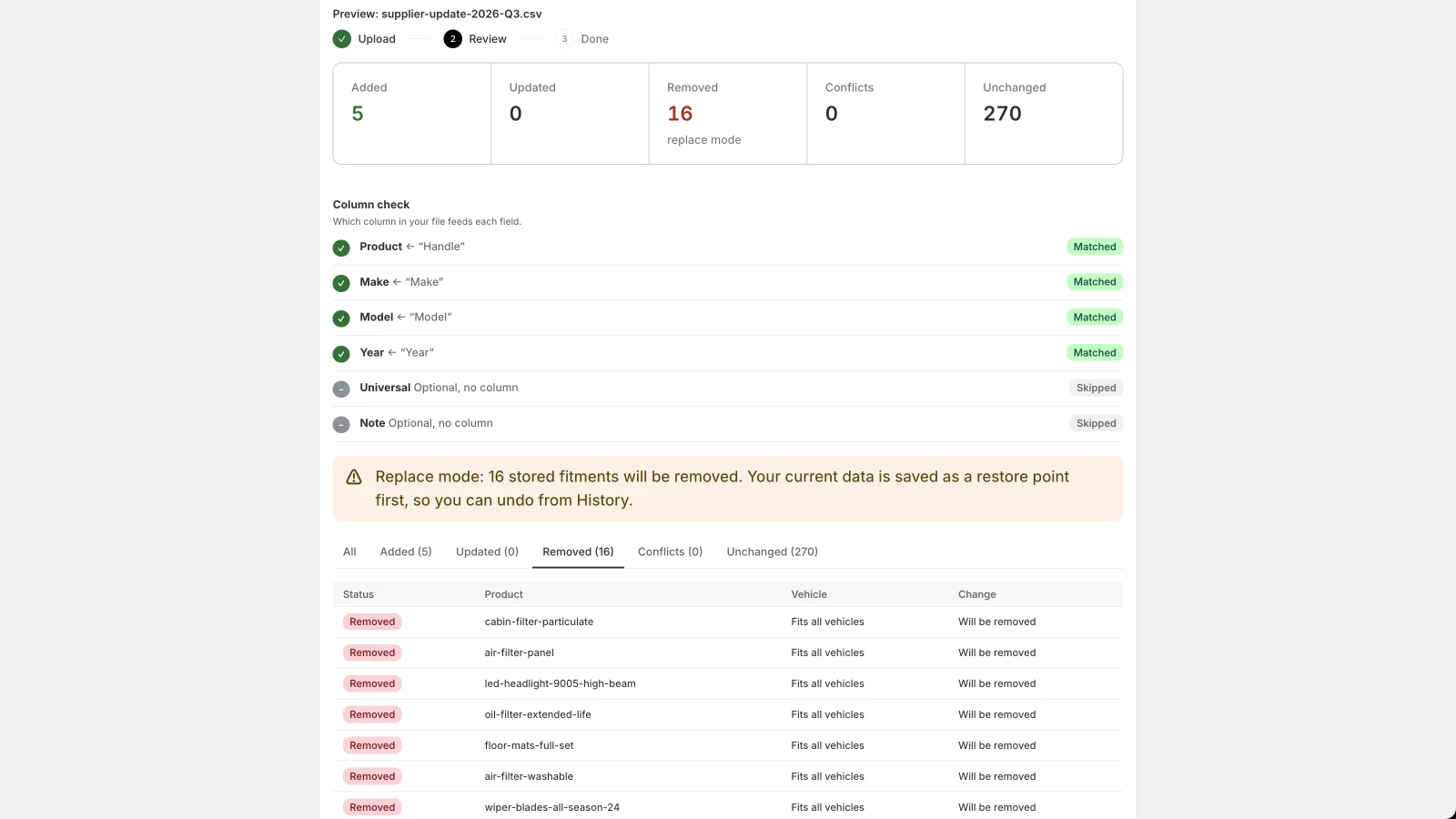
Results look like your store, not an app. Your fitment data is imported with a preview of every add, change and skip — and a one-click undo if you need it.
A schematic, not a screenshot. On a real store the results are your products — Results that look like your store, not an app— rendered server-side, and we never write to your theme files.
Why this app exists
Built against the three complaints this category earns
Every one of these is a real, documented reason merchants leave a fitment app.
01
The import that overwrote everything
The most-installed app in this category collects its loudest complaint for exactly this: a new CSV replaces the fitment data already there, and there is no way back.
What we do instead
- CSV import previews every add, change and skip — and never overwrites what is already there
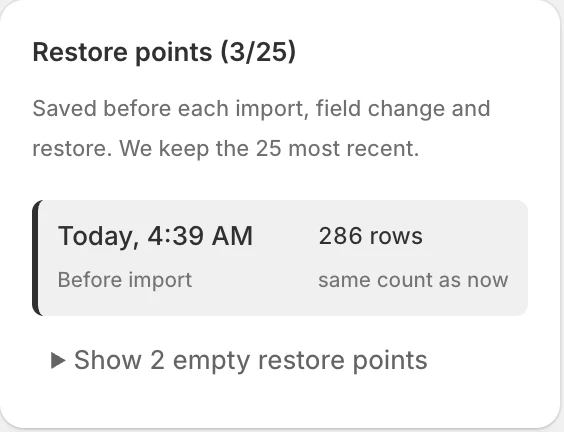
- Every bulk change snapshotted first — roll back in one click, 25 restore points
02
The bill that grows with your catalogue
Seven of the ten apps in this category meter you by rows or by vehicles, so the headline price is a starting price. One of them counts a 2010–2014 range as five separate vehicles.
What we do instead
- No row caps and no per-vehicle fees — your bill never grows with your catalogue
- Year ranges stay ranges — 2010 to 2014 is one row, not five
03
The app that changed your theme
Fitment apps have a history of writing into theme files and breaking collection pages. Uninstalling does not always put it back.
What we do instead
- Results that look like your store, not an app — rendered server-side, and we never write to your theme files
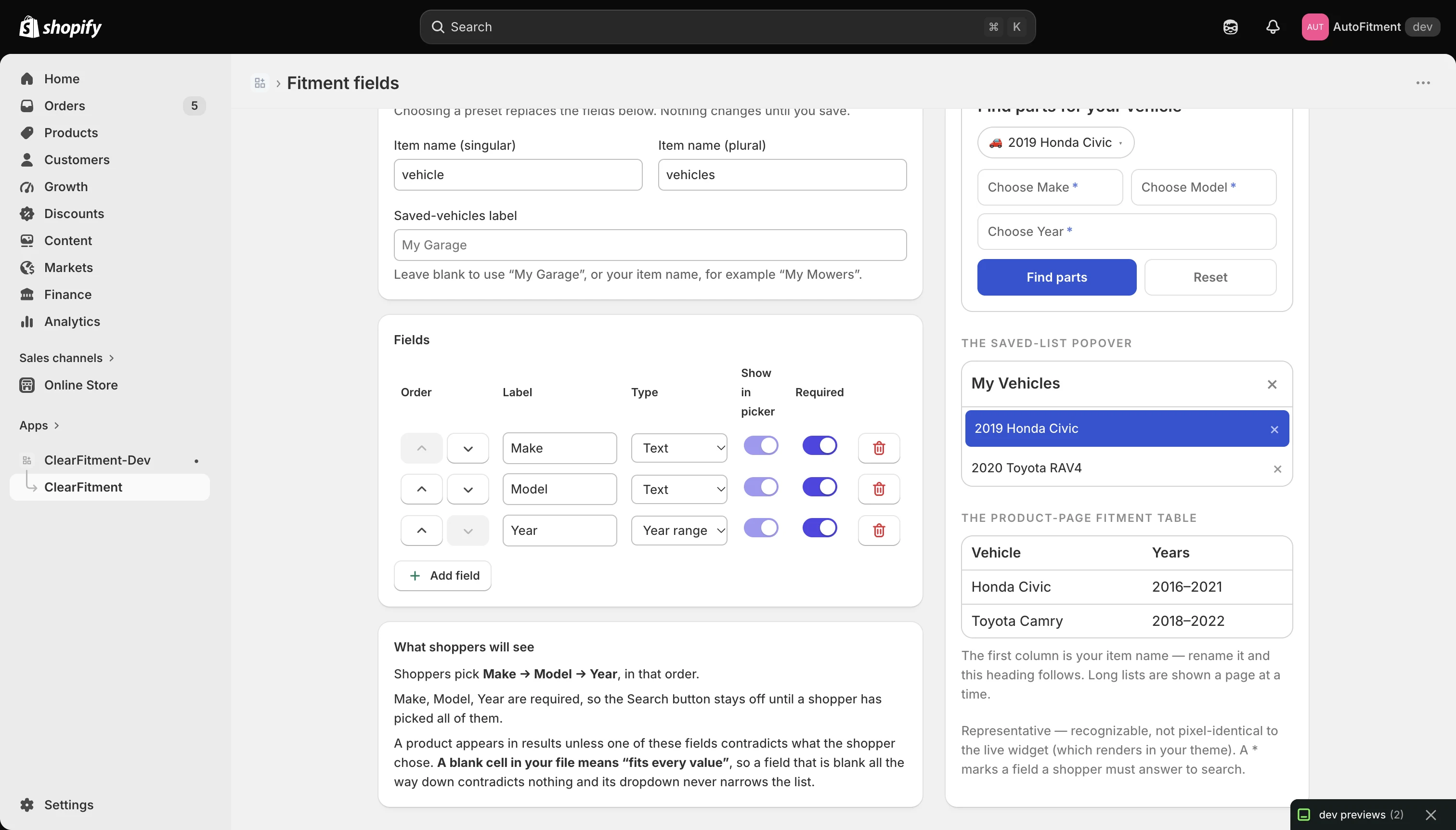
- Fitment fields you define — vehicles, bikes, mowers, printers
$39
per month, flat. No row caps and no per-vehicle fees — your bill never grows with your catalogue
14 days
of free trial, with the whole app in it — nothing held back.
25
restore points per store. Any bulk change is one click to undo.
0
writes to your theme files — we render only into our own blocks.
Setup
How it works
STEP 1
Import your fitment data
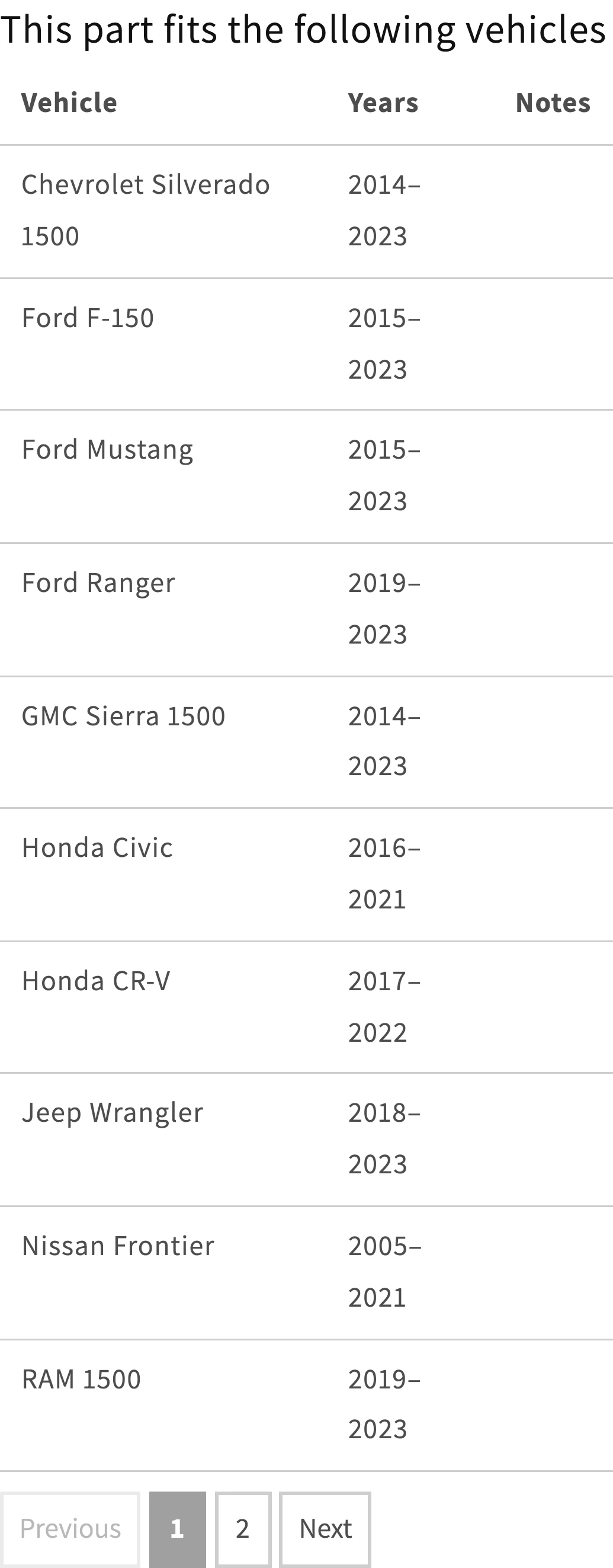
Upload a CSV and map the columns. You see every add, change and skip before a single row is written.
STEP 2
Place the blocks
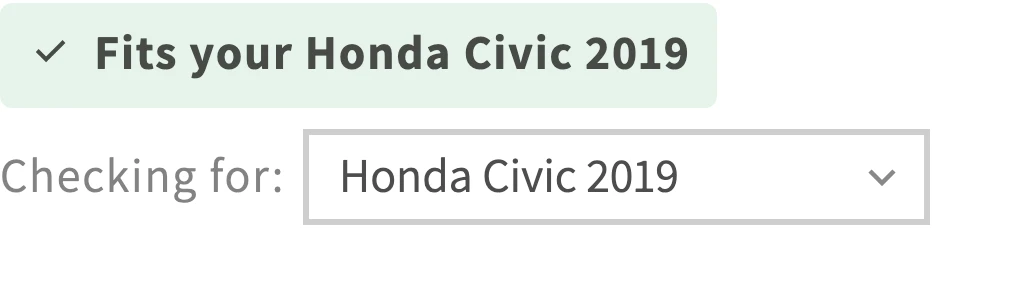
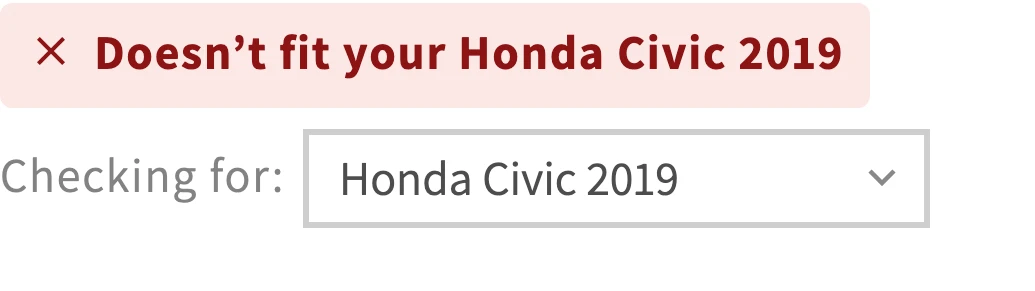
Vehicle search anywhere, plus vehicle fit badge and fitment table on your product pages. Theme blocks, so you choose where they go.
STEP 3
Shoppers pick their vehicle
They see the parts that fit, in a page that looks like the rest of your store. Their vehicle is remembered as they browse.
Pricing
One plan. Everything included.
$39 a month after a 14-day free trial. Everything the app does, for every store — no row caps and no per-vehicle fees. See what the plan includes →
FAQ
Questions merchants ask
Does it work with my theme?
Almost certainly — and it is worth thirty seconds to be sure. The vehicle search, fit badge and fitment table are app blocks you place wherever you want them, which is how we add nothing to your theme files. Any Online Store 2.0 theme takes them, which is the large majority of stores. Some older themes cannot accept app blocks at all, and on those we cannot place the search — so if your theme is more than a few years old, send us its name before you subscribe and we will tell you straight away.
Will importing a new CSV overwrite my existing fitment data?
No — not unless you ask it to. Every import shows you a preview of exactly what will be added, changed and skipped before a single row is written, and the default never deletes rows that are not in your file. There is a replace mode if you actually want one, and it is a checkbox you tick, previewed like everything else. Every bulk change is snapshotted first, so a bad import is one click to undo.
Are there row limits or per-vehicle charges?
No. One plan at $39 a month, and your bill never grows with your catalogue. A year range is one row — 2010 to 2014 is not five vehicles. Universal-fit parts are included rather than charged per vehicle.
Does it only work for cars?
No. You define the fitment fields yourself, so it fits bikes, mowers, marine, printers or anything else that has a make and a model. Year Make Model is the default because it is what most stores need.
How do shoppers save their vehicle?
They pick it once and it is remembered as they move around the store. If they have a customer account, their saved vehicles follow them across devices.
Try the whole app on your store, free for 14 days
Installs from the Shopify App Store. No card until the trial ends, and nothing held back for a higher tier.